Not every business needs a shopping cart. A freelancer sending an invoice, a creator accepting tips, a consultant billing a retainer or a shop selling through Instagram simply needs a way to say "pay me here". Crypto payment links do exactly that: one link (or QR code) that opens a full checkout in Bitcoin, USDT and other coins.
What is a crypto payment link?
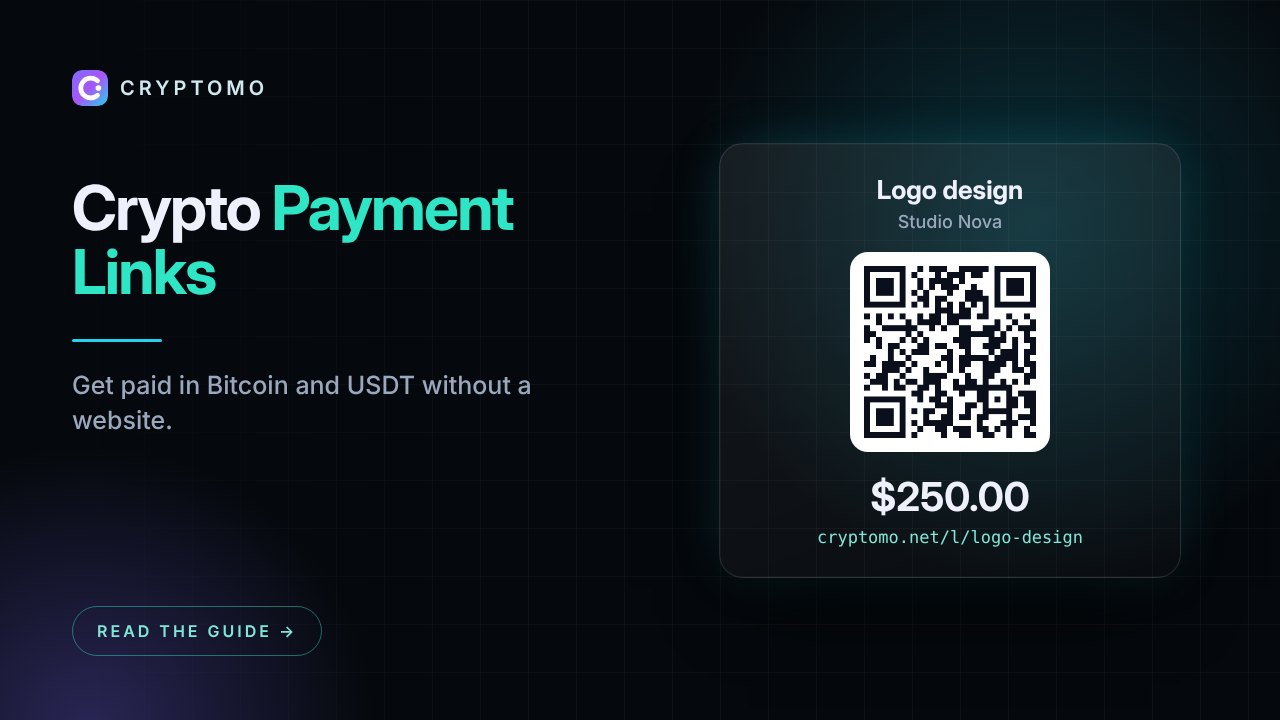
A payment link is a hosted page with your business name, a description and an amount. When a customer opens it, they choose a coin, see the exact amount and a QR code, and pay. You get notified and the money lands in your balance or your own wallet. No website, plugin or code required.
Three ways to use them
1. Fixed-price payment
Sell one product or service at a set price, for example "Logo design – $250". Share the link in a chat, email or social bio. Every customer who opens it gets their own invoice and payment address.
2. Customer chooses the amount
Leave the amount empty (or set a minimum) and let the payer type it. Useful for invoices you agree in conversation, top-ups or pay-what-you-want products.
3. Donations and tips
Choose the donation type for a tip jar or fundraising page. Creators, open-source projects and non-profits use these to accept crypto from supporters worldwide.
Creating a link on Cryptomo
- Log in and open Dashboard → Payment links → New link
- Choose Payment or Donation
- Enter a title and description, and a fixed amount (or leave it empty for the payer to choose, with an optional minimum)
- Optionally ask for the customer's email, limit the number of uses and write a thank-you message
- Save, then copy the link or print the QR code shown next to it
You can turn a link off at any time and see how many invoices were started and paid from it.
Sharing ideas
- Put the link in your Instagram, X or Telegram bio
- Print the QR code on a flyer, menu or product label
- Add it to your email signature or PDF invoices
- Embed a "Pay with crypto" button on any web page with one line of JavaScript (see the developer docs)
Payment links vs a full integration
| Payment link | Plugin or API | |
|---|---|---|
| Setup time | 1 minute | 15 minutes to a few hours |
| Website needed | No | Yes |
| Order matching | Manual (by email or description) | Automatic, by order number |
| Best for | Freelancers, creators, social sellers, one-off invoices | Online stores, SaaS, hosting |
Many merchants use both: a plugin for the store and payment links for custom deals.
Selling in person?
For a counter or event, the point-of-sale screen in the dashboard lets staff type an amount and show a QR code on a tablet or phone. Staff can get their own login with a limited role, so you never share your password.
Recurring billing
If a client pays every month, create a recurring invoice instead. They receive an email with a payment link each period, and a customer portal shows all their invoices.
Get started
Payment links are included in every plan, including the free Starter plan. Create your account and send your first link today.