A crypto payment gateway lets a business accept cryptocurrency the same way it accepts cards: the customer clicks "Pay", sees a payment page, pays, and the order is marked paid automatically. Behind that simple flow sit pricing, rate locks, blockchain monitoring and signed notifications. This guide explains each step in plain language.
The short answer
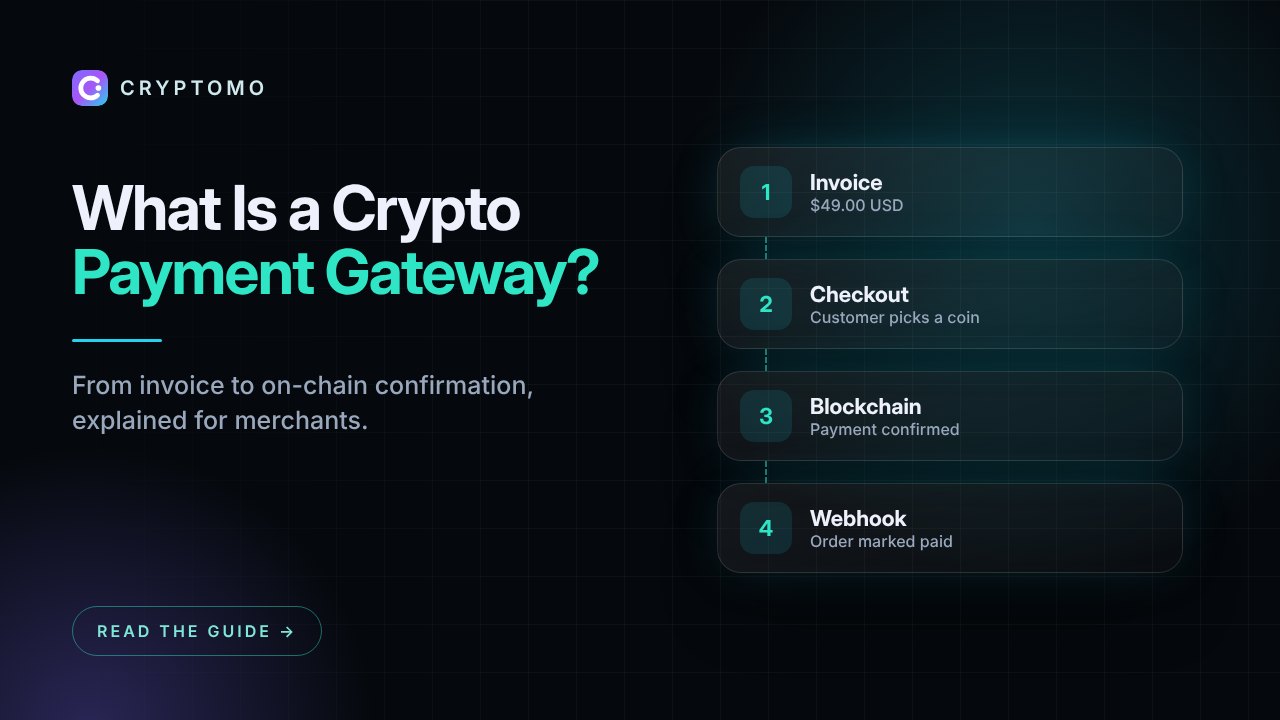
A crypto payment gateway sits between your website and the blockchain. It:
- Creates an invoice in your currency (for example $49.00)
- Converts it into the coin the customer picks, at a rate locked for a few minutes
- Shows a payment address and QR code with the exact amount
- Watches the blockchain until the payment arrives and is confirmed
- Notifies your website with a signed webhook so the order is fulfilled automatically
Without a gateway you would have to post a wallet address on your site, check the blockchain by hand and match payments to orders yourself. That does not scale beyond a few sales a week.
Step by step: what happens during a crypto payment
1. The customer checks out
Your store (or a plugin such as the WooCommerce plugin) calls the gateway's API with the order amount, currency and order number. The gateway replies with a checkout link.
2. The customer chooses a coin
On the hosted checkout, the customer picks Bitcoin, USDT, USDC, Ethereum, Solana or another supported coin and network. The gateway converts the price at the current market rate and locks it for the invoice window, so price swings during the payment do not matter.
3. The customer pays
The checkout shows a unique address, the exact amount and a QR code. The customer scans it with a mobile wallet or copies the address into an exchange withdrawal. Each invoice gets its own address, which is how the gateway knows which order a payment belongs to.
4. The gateway detects and confirms the payment
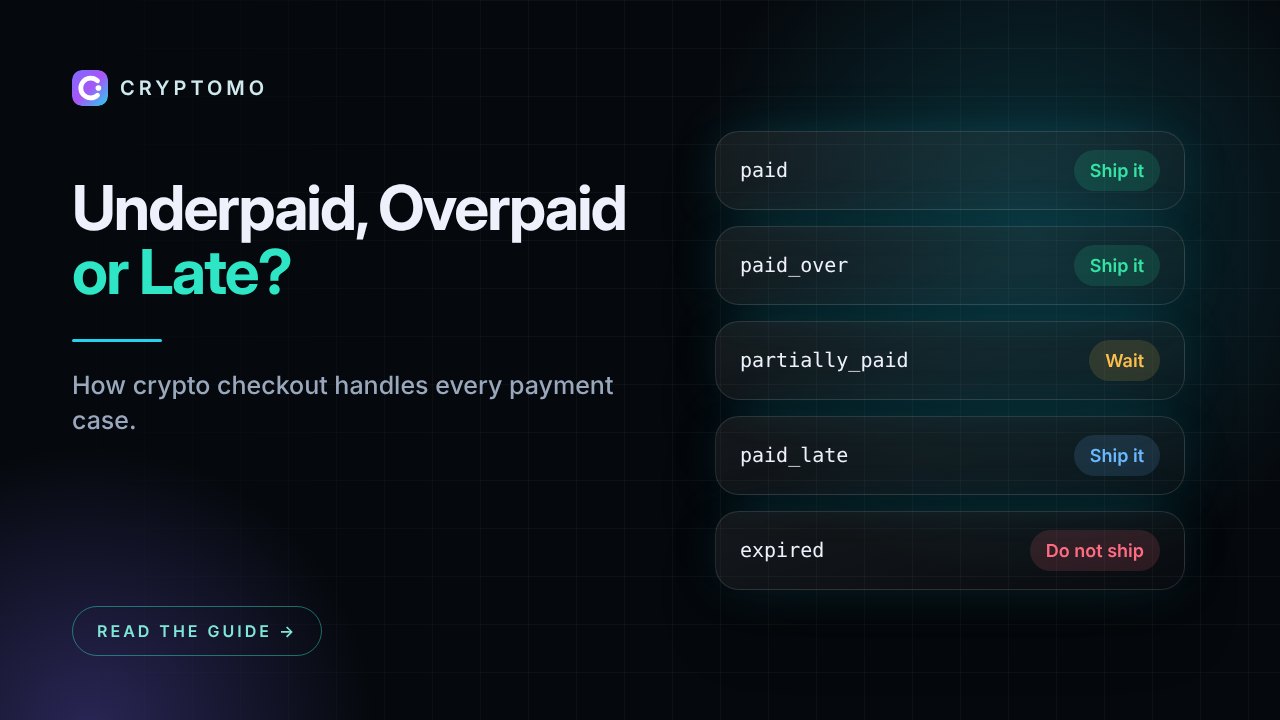
The gateway monitors the address on the blockchain. Once the transaction has enough confirmations, the invoice becomes paid. If the customer sent too little, it becomes partially paid and they can send the rest; if they sent too much, it is paid over.
5. Your website is notified
The gateway sends a webhook (an HTTP request) to your store, signed with a secret only you and the gateway know. Your store verifies the signature and marks the order paid. The customer sees a confirmation page.
6. You receive the funds
Depending on the model, the payment either credits your gateway balance (withdraw any time) or goes straight to your own wallet. Read custodial vs non-custodial payments to choose.
Why merchants accept crypto
- No chargebacks. Blockchain payments are final, which removes friendly fraud.
- Global reach. Customers whose cards are declined abroad can still pay.
- Lower fees. Typical gateway fees are around 1% or less, versus 2.9% + fixed fees for many card processors.
- Fast settlement. Stablecoins on fast networks confirm in seconds to minutes, and you can withdraw the same day.
- Stable value when you want it. Accept USDT or USDC to avoid price volatility entirely. See our guide on stablecoin payments.
What to look for in a crypto payment gateway
| Feature | Why it matters |
|---|---|
| Coins and networks | Bitcoin plus stablecoins on low-fee networks (Solana, BNB Chain, Polygon, TON) cover most customers |
| Fees | A clear percentage or flat plan, with no hidden spread on the exchange rate |
| Own-wallet option | Lets you receive payments directly in wallets you control |
| Plugins | Ready integrations for your platform save days of development |
| Signed webhooks | Protect your store from forged "payment received" messages |
| Underpayment handling | Customers sometimes send too little; the gateway should handle it gracefully |
| Security | Two-factor login, encrypted secrets, address locks and audit logs |
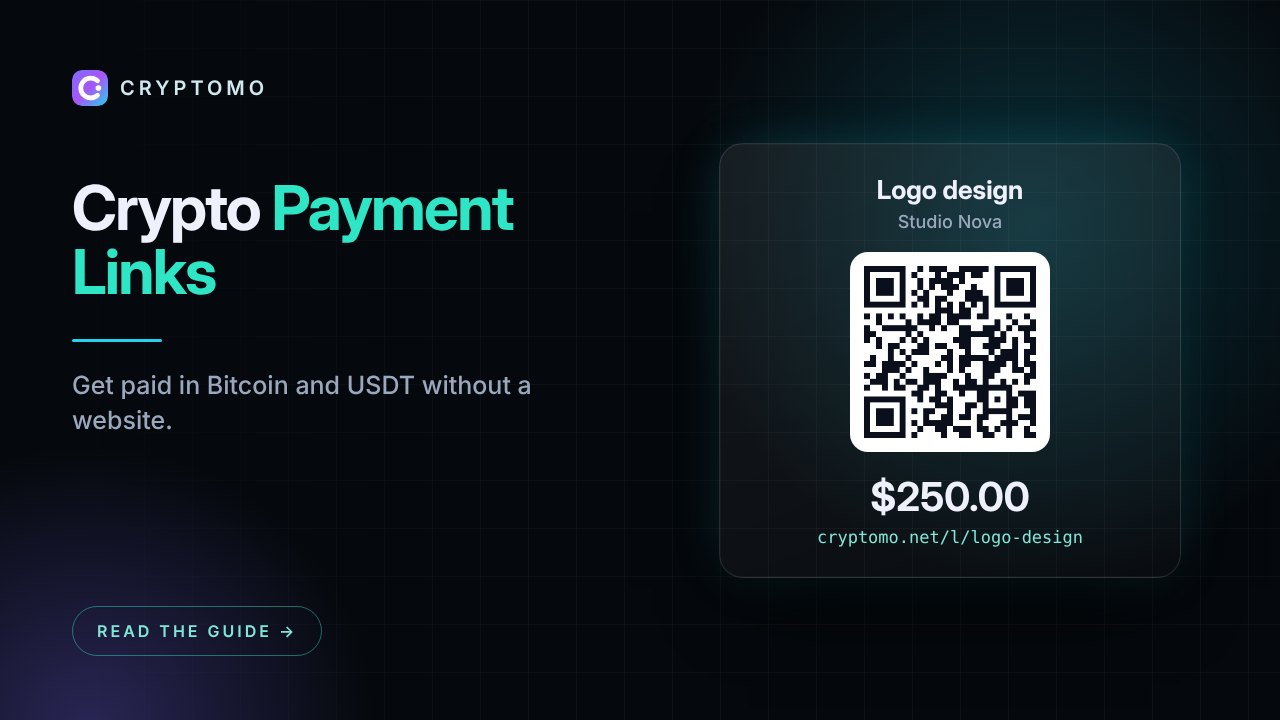
| Payment links | Get paid without a website, by sharing a link or QR code |
How Cryptomo works
Cryptomo is a crypto payment gateway for online stores, SaaS, hosting companies and creators. You can:
- Accept Bitcoin, Ethereum, USDT, USDC and more across 13 networks
- Use plugins for WooCommerce, WHMCS, Magento 2, PrestaShop, OpenCart and more, or the REST API
- Create payment links and recurring invoices without code
- Start free with 1% per payment, or receive payments straight to your own wallet on Pro or Business
Frequently asked questions
Do I need to hold cryptocurrency to accept it?
No. With a stablecoin such as USDT or USDC, the value stays pegged to the US dollar. Many merchants withdraw to an exchange and convert to local currency.
Is accepting crypto legal?
In most countries businesses may accept crypto as payment, but tax and reporting rules differ. Check with a local accountant. Our risk disclosure explains the main risks.
How long does a crypto payment take?
It depends on the network: from a few seconds (Solana, TON, BNB Chain) to around 10–30 minutes for Bitcoin confirmations.
Ready to try it? Create a free account, add your store and take your first test payment in minutes.